
TL;DR

Get the little things that make your day delivered free with Prime
- Fast, free delivery on millions of items
- Prime Video, Amazon Music and more included
- Member-only deals all year
This article explains how to generate a full publishing kit—transcripts, clips, social posts, media assets—from one video, entirely offline. It highlights the speed, privacy, and control advantages for creators who want to avoid cloud dependence.
Imagine finishing a video and instantly having everything you need to publish across platforms—social media snippets, blog drafts, media kits—without uploading a single file to the cloud. It sounds too good to be true, right? But what if you could do all that locally, on your own machine, with total privacy and control?
This isn’t just about convenience; it’s about transforming your entire publishing workflow. You’ll cut hours of manual work, reduce dependency on internet speed, and keep your creative assets secure. Today, I’ll show you how a local, automated system turns one video into a full publishing kit—no cloud required—making your content faster, safer, and more flexible.
Key Takeaways
- Processing videos locally can dramatically speed up your content pipeline and eliminate upload delays.
- A complete publishing kit—from transcripts to social posts—can be generated from one video, saving hours of manual work.
- Offline workflows keep your data private, secure, and unaffected by internet issues.
- Review and edit AI-generated assets to align with your voice and branding before publishing.
- This approach is ideal for indie creators, educators, and anyone handling sensitive content who wants control over their assets.
As an affiliate, we earn on qualifying purchases.
How a Local Video Workflow Outperforms Cloud-Based Tools
Most ‘AI video tools’ rely on the cloud. They upload your files, process them on remote servers, then send back the results. This process introduces latency, making your workflow slower and less immediate. Moreover, uploading raw footage can raise significant privacy concerns—your sensitive or proprietary content is stored on external servers, increasing the risk of data breaches or unauthorized access. Additionally, cloud processing depends heavily on internet stability; a slow or unreliable connection can halt your progress entirely.
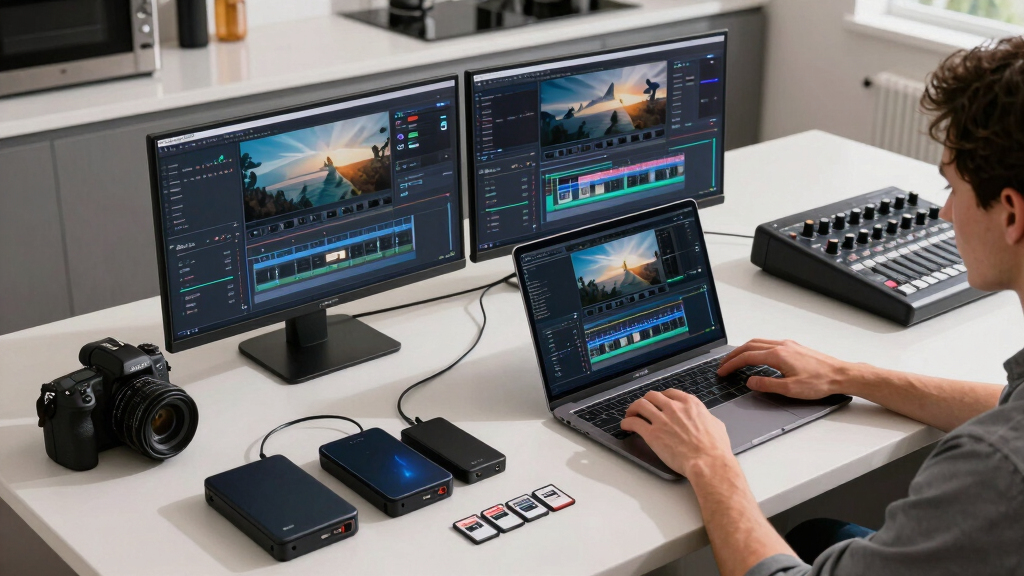
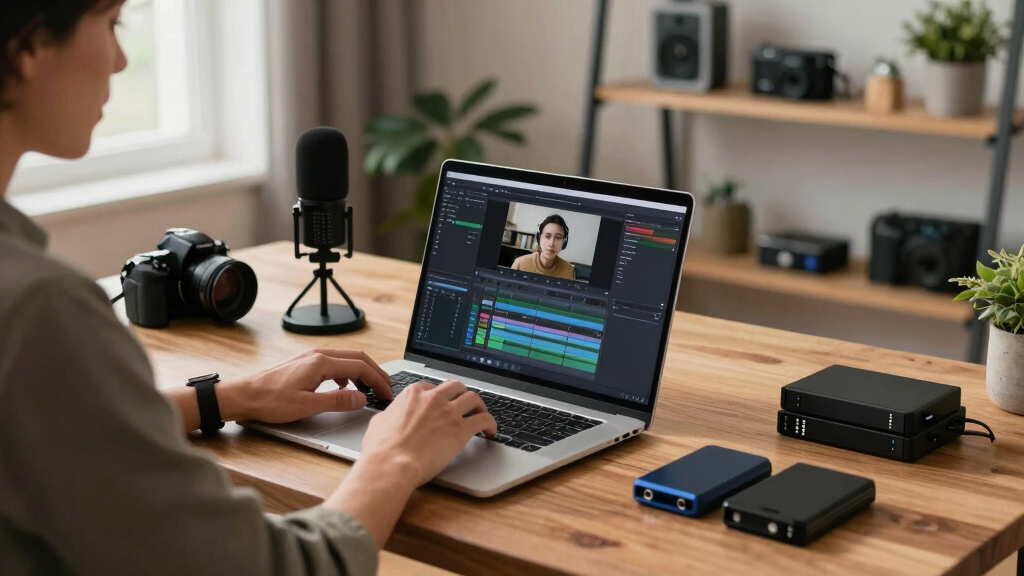
A local workflow, like the one in ChannelHelm, processes everything directly on your computer. This means you retain full control over your data, avoiding external servers entirely. The benefits are profound: processing happens instantly without waiting for uploads or downloads, your assets remain private, and you can work offline without interruption. This shift from cloud to local processing not only enhances speed and privacy but also empowers creators to work more flexibly and securely, especially when handling sensitive content or working in environments with limited internet access.
While cloud tools might offer convenience for quick, occasional tasks, the tradeoffs in privacy, control, and speed can be significant for serious creators or those with proprietary content. The local approach ensures you’re in the driver’s seat, with your data and assets protected and your workflow optimized for efficiency and security.
As an affiliate, we earn on qualifying purchases.
What Comes Out of One Video? Your Complete Publishing Kit
From a single video, you generate a comprehensive suite of assets that significantly streamline your publishing process. These outputs aren’t just random files—they’re thoughtfully crafted components that serve different channels and purposes, saving you from manual creation and editing.
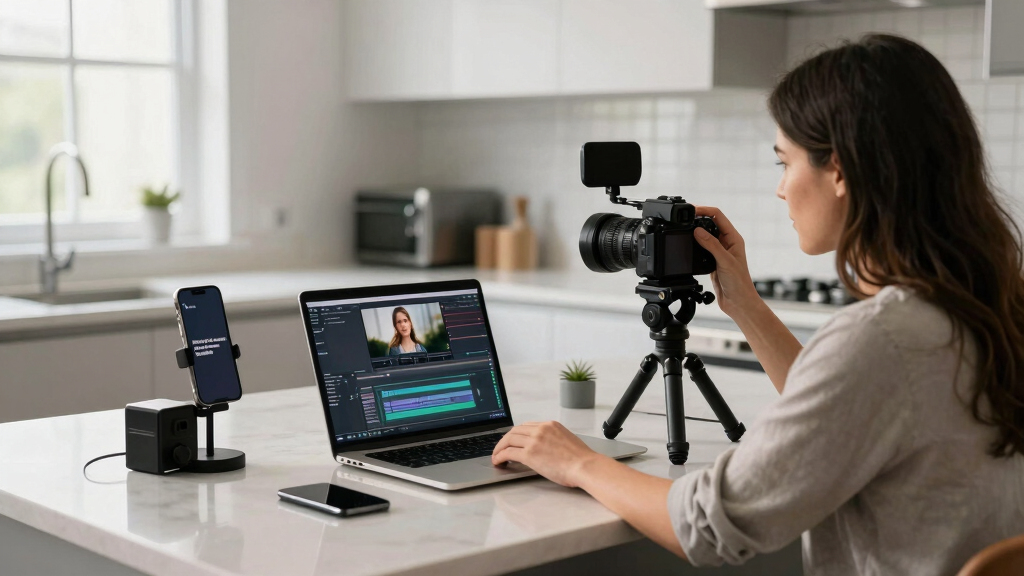
For example, transcripts with speaker labels and timestamps enable accurate, accessible captions and blog content, while scene detection identifies key moments for creating highlight clips or social snippets. These clips can be tailored for platforms like TikTok, Instagram, or Twitter, optimizing engagement with each audience. Media kits with high-resolution images, cover art, and author bios facilitate press outreach and branding consistency. Drafts for blogs and newsletters help you maintain content flow without starting from scratch. Metadata, tags, and SEO-friendly titles ensure your content is discoverable and well-organized across platforms.
Understanding these outputs’ full scope reveals their strategic value. They allow creators to repurpose content efficiently, maintain brand consistency, and adapt quickly to different formats and audiences. This comprehensive approach reduces manual editing, minimizes errors, and accelerates publishing timelines—crucial advantages in today’s fast-paced content landscape.
social media video clips creator
As an affiliate, we earn on qualifying purchases.
As an affiliate, we earn on qualifying purchases.
Step-by-Step: How to Turn a Video into a Publishing Kit Without the Cloud
Here’s a quick guide, enhanced with insights on why each step matters: For more detailed workflows, check out this guide.
- Drop your video or paste a link. The system detects the source and identifies the channel automatically. This initial step ensures seamless integration with your workflow, reducing manual setup time and potential errors.
- Let it analyze. Background workers transcribe, detect scenes, read on-screen text, and fuse data into a cohesive log. This process is crucial because it transforms raw footage into structured, searchable information—saving you hours of manual editing. Accurate analysis enables precise clip creation, captioning, and content extraction, but it also involves tradeoffs: complex scenes or poor audio quality can reduce accuracy, requiring manual review later. Recognizing these limitations helps you plan for quality checks and ensures your assets meet professional standards.
- Review assets in the Studio. Preview, edit, regenerate, or approve each piece—titles, clips, social texts—at your own pace. This step emphasizes the importance of human oversight to correct errors, refine messaging, and align assets with your branding. It’s where automation meets craftsmanship, ensuring the final output is polished and impactful.
- Dispatch the assets. Send everything to your publishing channels—all from your local machine, instantly. This immediate deployment accelerates your publishing timeline and maintains control over distribution, reducing the risk of errors or delays caused by cloud upload issues.
Imagine doing all this while your video renders in the background. No waiting on cloud servers, no upload delays—just a smooth, efficient workflow tailored for busy creators.
As an affiliate, we earn on qualifying purchases.
Why ‘Without the Cloud’ Changes Everything for Creators
Processing offline extends beyond just faster turnaround times. Learn more about home security and data privacy benefits. It fundamentally shifts the relationship between creators and their content. Privacy is a core benefit—your raw footage and project files stay on your local machine, reducing exposure to potential breaches or misuse. This control over data is especially important for proprietary content, sensitive topics, or content that’s under embargo until release. It also means you’re not at the mercy of cloud service outages or bandwidth issues, which can turn a simple project into a day-long ordeal.
For instance, an indie author filming a book trailer might rely on cloud tools to process high-res footage. During peak times or in areas with unstable internet, this can cause frustrating delays and compromise deadlines. An offline workflow ensures you can generate clips, media kits, and social assets instantly, even in remote locations or during internet outages. This level of control over your content is a game-changer.iability empowers creators to work confidently, knowing their process isn’t hindered by external factors.
Furthermore, offline processing enhances security—no raw footage or project files are uploaded to third-party servers, reducing risks of data leaks or unauthorized access. For creators handling confidential or proprietary material, this control is invaluable. It also aligns with best practices for data sovereignty and compliance, giving you peace of mind that your assets are managed securely and ethically. Ultimately, this approach offers a more resilient, private, and efficient way to produce and manage content, especially for those who prioritize data security and independence.

How to Maximize Your Publishing Assets Before Going Live
Generating assets automatically is a huge time-saver, but the real value lies in how you refine and customize these outputs. Automated tools can’t fully grasp your unique voice, branding nuances, or strategic messaging. Therefore, reviewing and editing is essential to ensure your content resonates with your audience and maintains your professional standards.
For example, transcripts may need corrections for misrecognized words or speaker labels. Clips might require color grading or overlays to match your visual identity. Social snippets should be tailored to fit the tone and style of each platform—what works on Twitter might need tweaking for Instagram. Media kits, too, benefit from personalized branding—adding your logo, adjusting layouts, or updating bios enhances credibility and consistency. These refinements turn machine-generated assets into polished, compelling content that truly represents your brand and message.
Remember, automation is a powerful starting point, but human oversight ensures your final assets are impactful, accurate, and aligned with your goals. Investing a few minutes to review and tweak can significantly improve engagement and professionalism, making your content stand out in a crowded digital landscape.
Frequently Asked Questions
What exactly comes out of one video using this workflow?
You get transcripts, short clips, social media posts, media kits, blog drafts, and metadata—all crafted from a single video file. It’s like a content factory on your desktop.
Does ‘without the cloud’ mean I don’t need internet at all?
Yes. Once installed, the system processes everything locally. You only need internet for initial setup or updates, not for daily work.
What file formats are supported for input and output?
Most workflows handle common formats like MP4, MOV, and AVI for input, and produce MP4, JPEG, PNG, and text files for output—ready to publish or edit further.
How accurate is the transcription and content extraction?
While highly advanced, automatic transcription and scene detection are not perfect. Expect 95% accuracy, but review and manual tweaks are still recommended.
Can I edit the generated assets before publishing?
Absolutely. The system emphasizes editability—titles, social snippets, and media kits all stay fully customizable before you hit publish.
Conclusion
Turning one video into a full publishing kit without the cloud isn’t just a tech gimmick. It’s a smarter way to work—faster, safer, more private. Imagine finishing a video, then instantly sharing polished clips, blog drafts, and social posts, all from your own machine.
The future of content creation is local, automated, and controlled by you. Are you ready to cut the cloud dependency and take full charge of your publishing workflow?

Halloween Picks
halloween
As an affiliate, we earn on qualifying purchases.